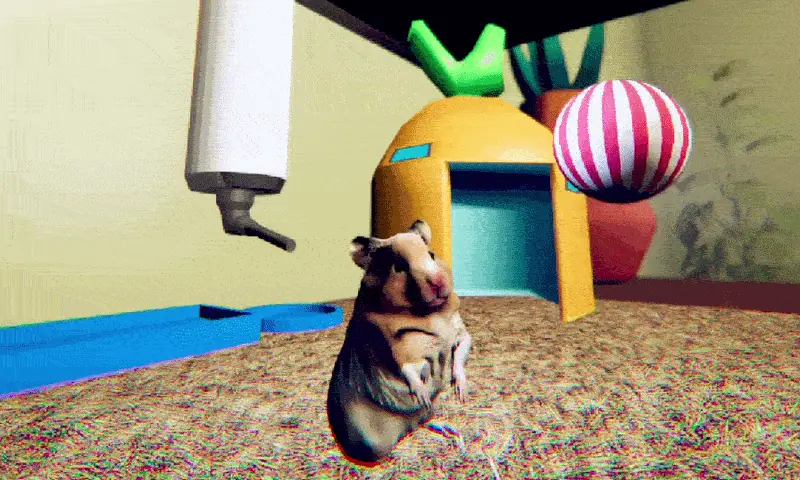
You Are Hamster
Launching You Are Hamster
Preparing the browser build...
You Are Hamster





















Start You Are Hamster with the controls in mind
The easiest way into You Are Hamster is to focus on the instruction currently on screen. You control a pet inside a bedroom enclosure, and the story introduces tasks one at a time. There is no need to plan an elaborate route before you can begin. Learn how the camera follows your movement, find the important objects nearby, and let the first objective establish the pace.
Click the game area after it loads so keyboard input reaches the player. WASD moves the hamster, the mouse changes your view, Space jumps, and E activates an available interaction. These basic inputs carry you through the opening. Later activities display their own directions. Read those prompts when they appear instead of assuming every object uses the same action.
Find the next task in a small space
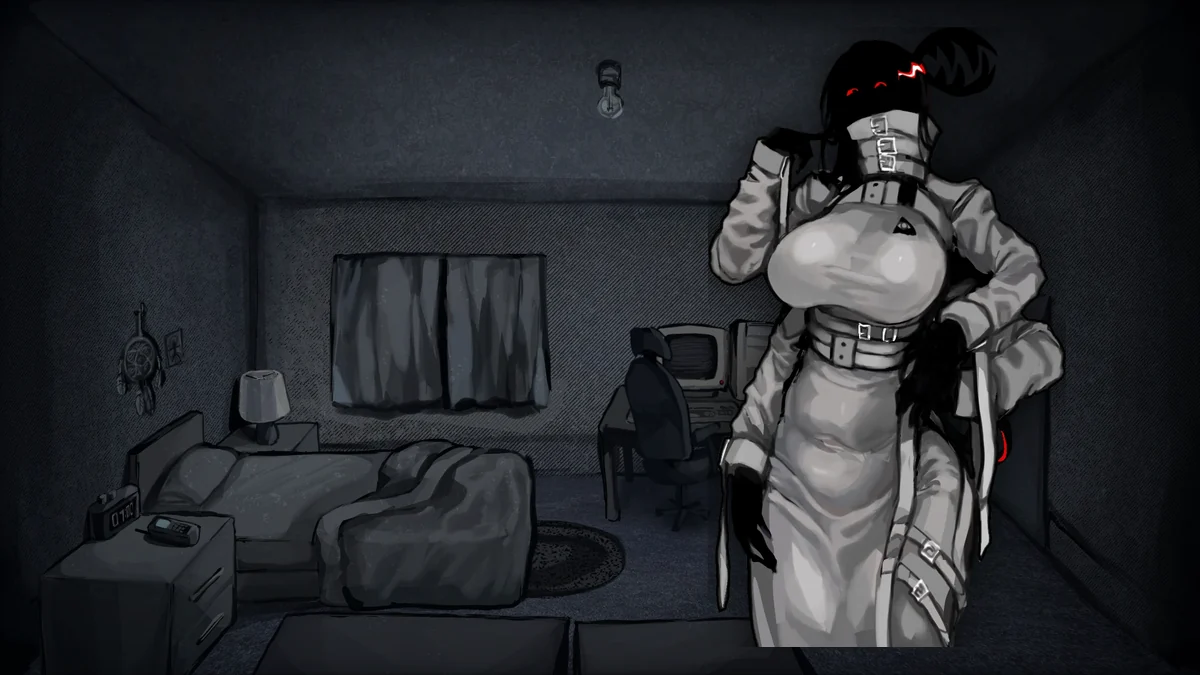
In You Are Hamster, understanding your surroundings matters more than searching a huge level. Locate the food, the wheel, the sleeping area, and the edge facing the bedroom. These landmarks give the objectives a physical location. A short walk and a small camera adjustment are often more useful than trying the interaction key from across the enclosure.
If a prompt is missing, check three things: the current task, your distance, and where you are looking. Approach the object slowly enough to see the text change. Some actions become available only when the story reaches the appropriate stage. An object you noticed earlier may become relevant after an animation or a new instruction.
Use feedback instead of rushing activities
You Are Hamster puts ordinary pet behavior into a sequence of little challenges. Food, exercise, rest, and later toys each give the routine a different feel. When an activity includes a meter or counter, use that display to understand whether your input is working. Progress on the screen gives a clearer answer than guessing from the animation alone.
Keep an eye on instructions after completing each task. The next step may ask you to investigate, look toward something, or simply wait while a scene unfolds. Turning immediately to the next familiar object can make the transition feel confusing. Take a moment to notice the room, then follow the updated objective.
Give story scenes time to finish
Although You Are Hamster starts with simple chores, its room is not a neutral backdrop. Your owner and other events interrupt the routine, and the pet’s unusual perspective makes those moments feel larger. The humor comes partly from being so small while the scene around you becomes increasingly dramatic. You are following a story, so temporary changes in control can be intentional.
Let a cinematic moment complete before assuming movement has stopped working. Wait for the view and objective to settle, then try the relevant input again. This is especially helpful around sleeping and waking transitions. Keeping your attention on the latest instruction makes it easier to tell a story transition from an interaction you have not reached yet.
Plan for one uninterrupted attempt
Allow roughly ten minutes for You Are Hamster, with some flexibility while you learn an unfamiliar activity. The game has no pause or save feature. Refreshing, closing the tab, or restarting the embed can mean beginning again. Finish any browser setup before you press play, then keep the session open through the final scenes.
The browser port also adapts a voice interaction. At that point you can choose to record a five-second warning or continue without using a microphone. Recording is optional and stays inside your browser. Choose the option that suits your surroundings; you do not need to grant microphone access to keep the story moving.
Choose a setup that lets you react comfortably
You Are Hamster supports touch controls as well as keyboard and mouse. Move with the left stick and drag the right half to look around. Jump and Use buttons handle normal actions; the buttons change for mini-games and fighting. Rotate your phone for more room, and use the fullscreen option if the embedded view feels cramped.
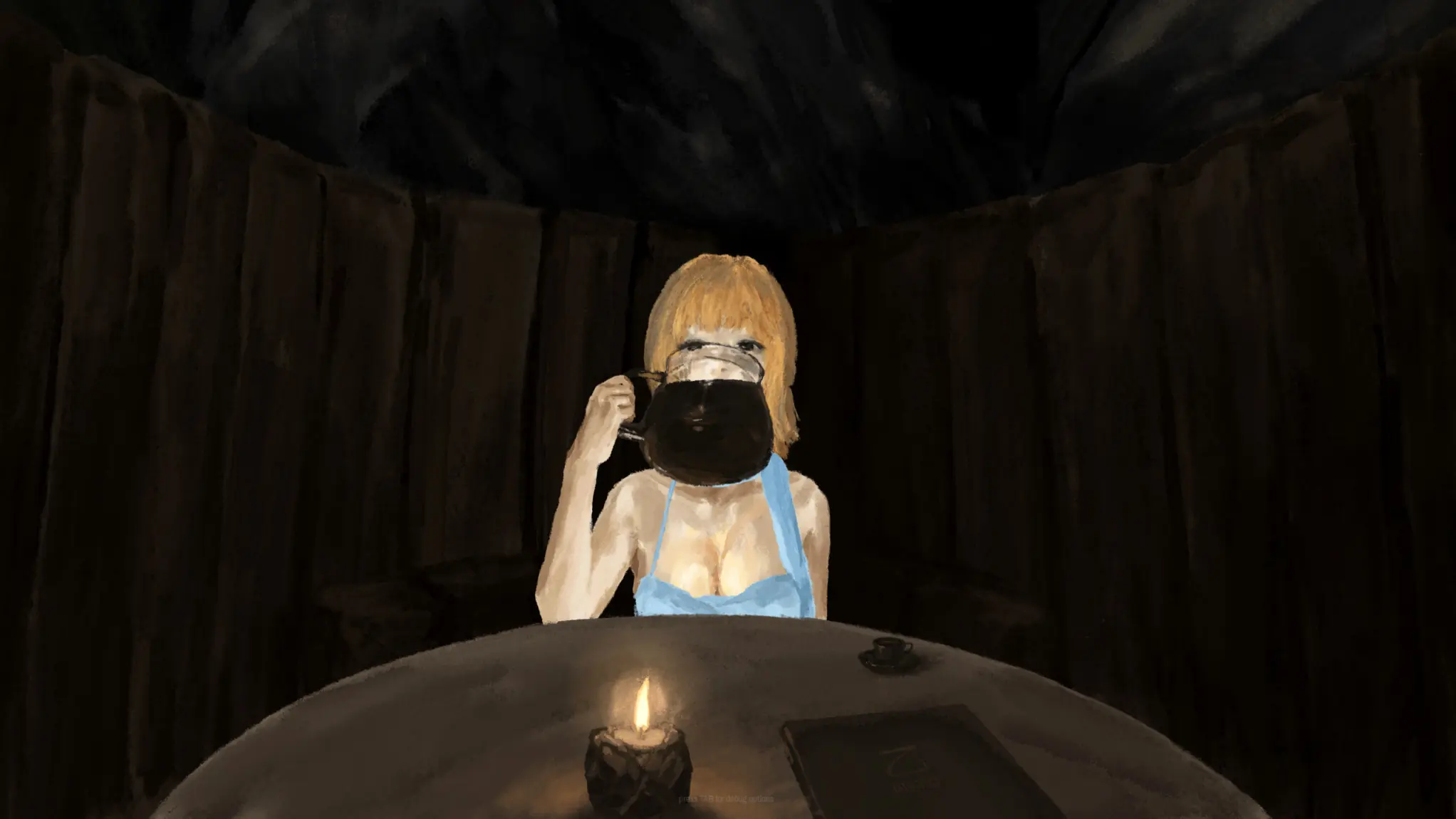
Keep the volume moderate and expect sudden appearances, unsettling noises, flashing lighting, and exaggerated physical comedy. You Are Hamster uses a cute animal to create contrast with the horror, rather than offering a quiet pet-care simulator. For a first playthrough, save the videos for afterwards so a later scene can still catch you off guard.
You Are Hamster Screenshots
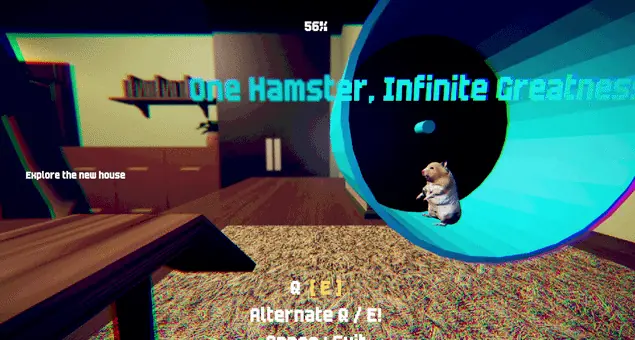
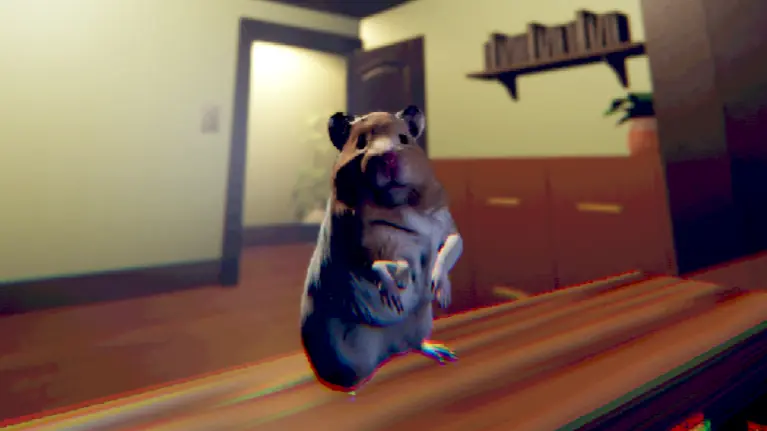
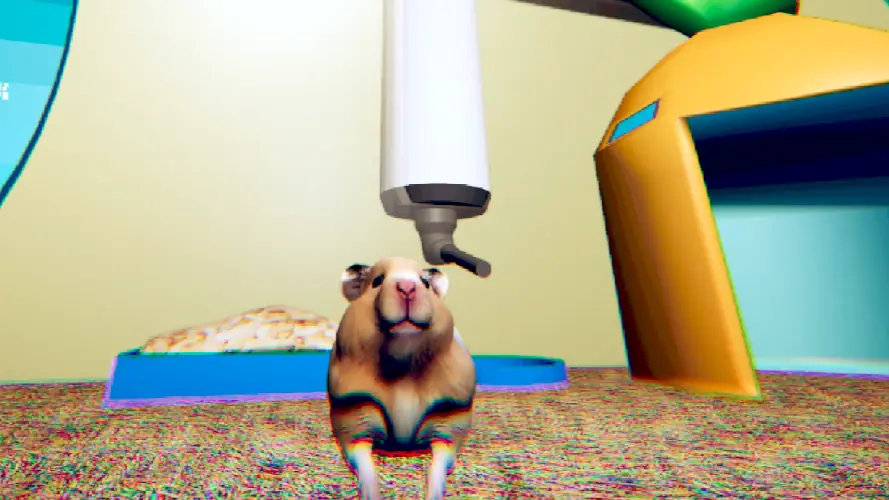
You Are Hamster Videos
You Are Hamster FAQ
What should I do first?
Click the player, learn WASD movement and mouse camera control, and read the objective displayed in the game. Begin by exploring the enclosure.
Why does pressing E sometimes do nothing?
The interaction depends on the current objective, your distance, and the object you are facing. Move closer and wait for the relevant prompt.
Is You Are Hamster a long survival game?
No. It is a brief story with small activities and scripted scenes. The intended length is about ten minutes, with extra time possible on a first run.
Can I take a break and load my progress later?
The game has neither a pause menu nor a save system. Keep the player open and plan an uninterrupted session.
Can I finish without recording my voice?
Yes. The browser port offers Continue without recording at the voice prompt. If you choose to record, it captures five seconds locally for story playback.
Can I play using only a touchscreen?
Yes. The browser edition includes a movement stick, drag-to-look camera controls, and action buttons that change for wheel, punching, and fighting activities. Landscape gives you more room.
What scares should I expect?
Expect disturbing appearances, abrupt sounds, lighting changes, and exaggerated violence alongside the comedy. It is a horror game despite the small animal protagonist.